

为何选择 Crowdin 的 Figma 本地化插件?
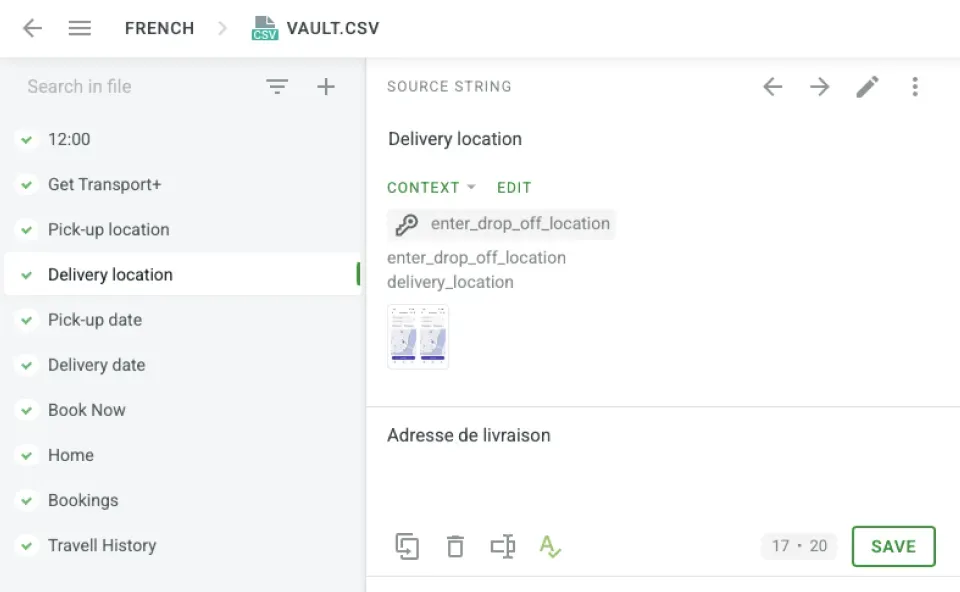

主要优势
节省时间
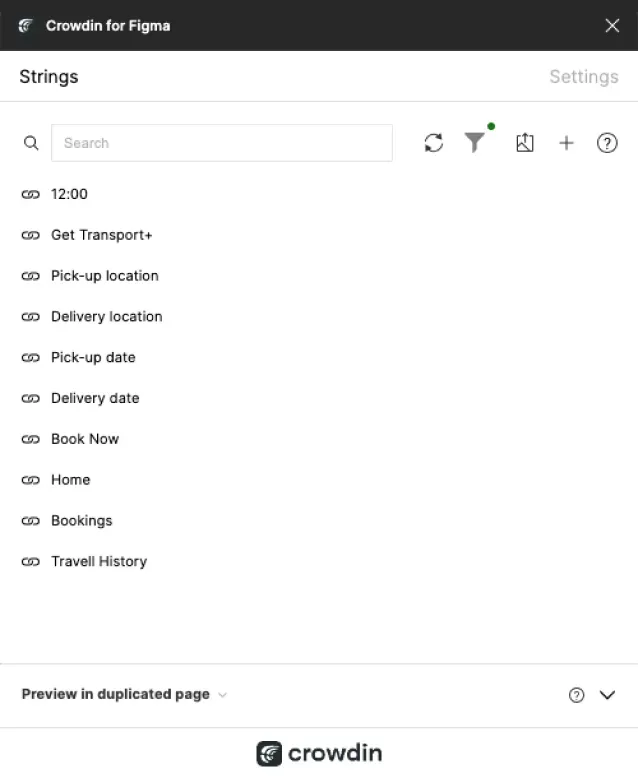
自动化工作流并减少人工工作量。
无缝协作
设计师、开发者和语言专家可以轻松协同工作。
测试多语言设计
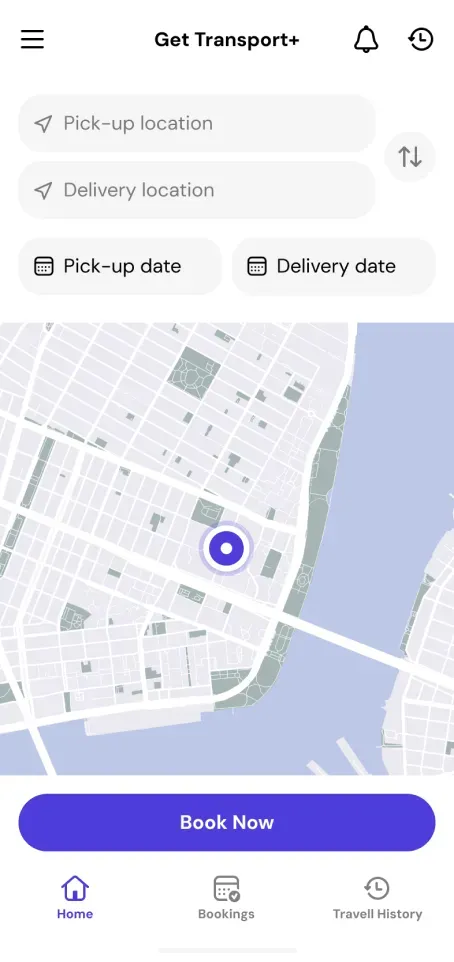
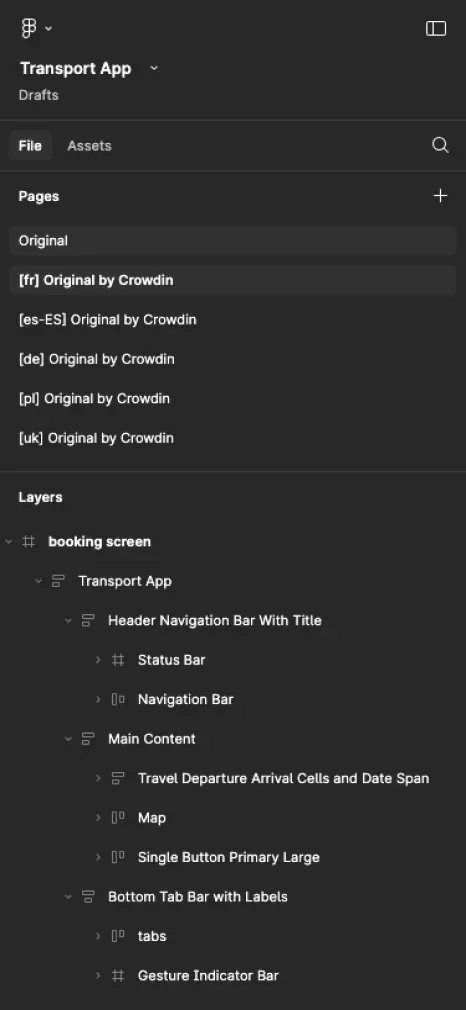
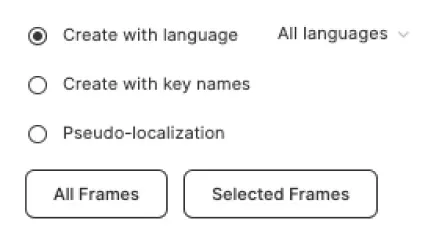
在 Figma 中预览多种语言的设计。
优化布局
在最终确定之前调整不同语言的布局。
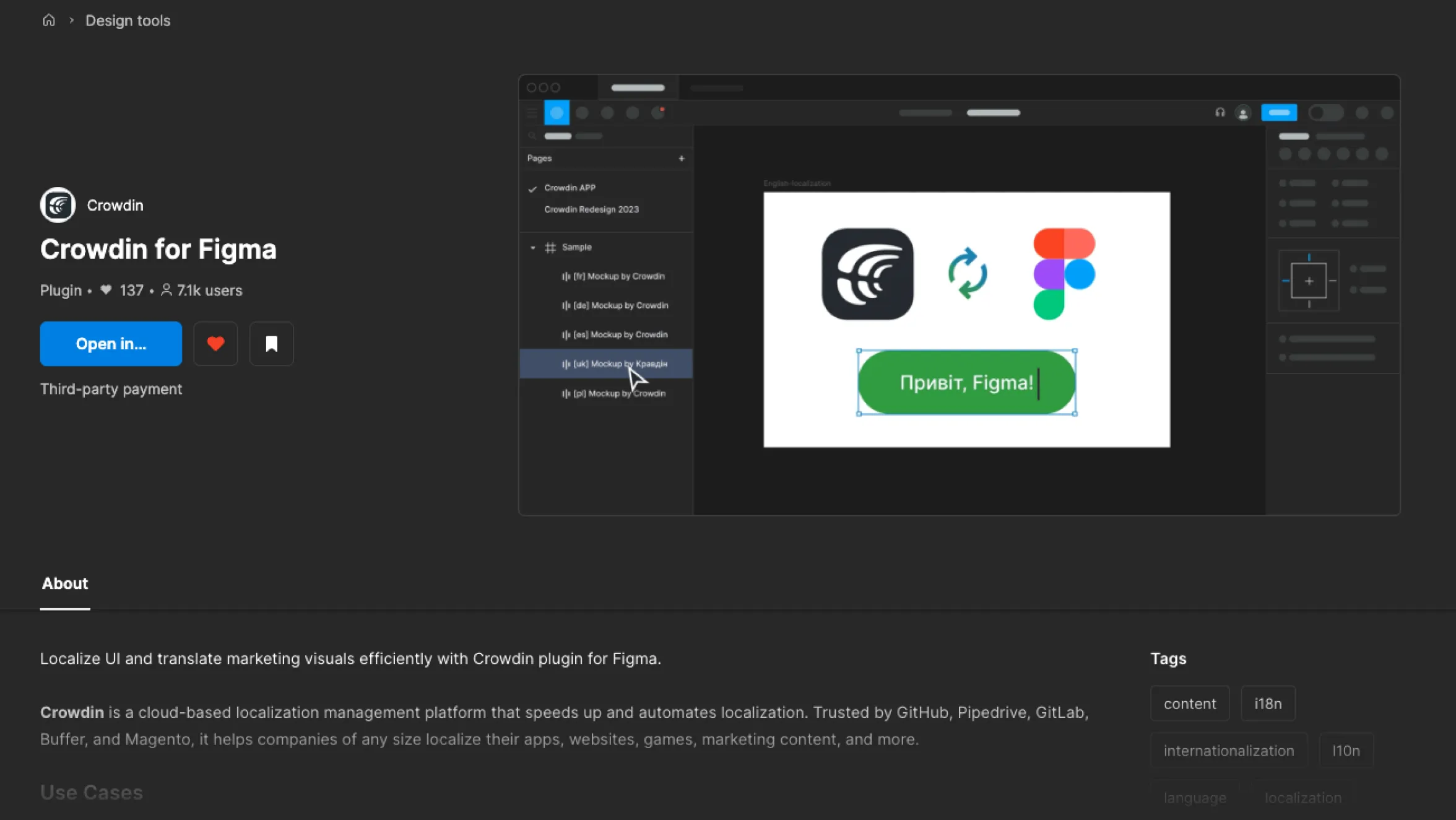
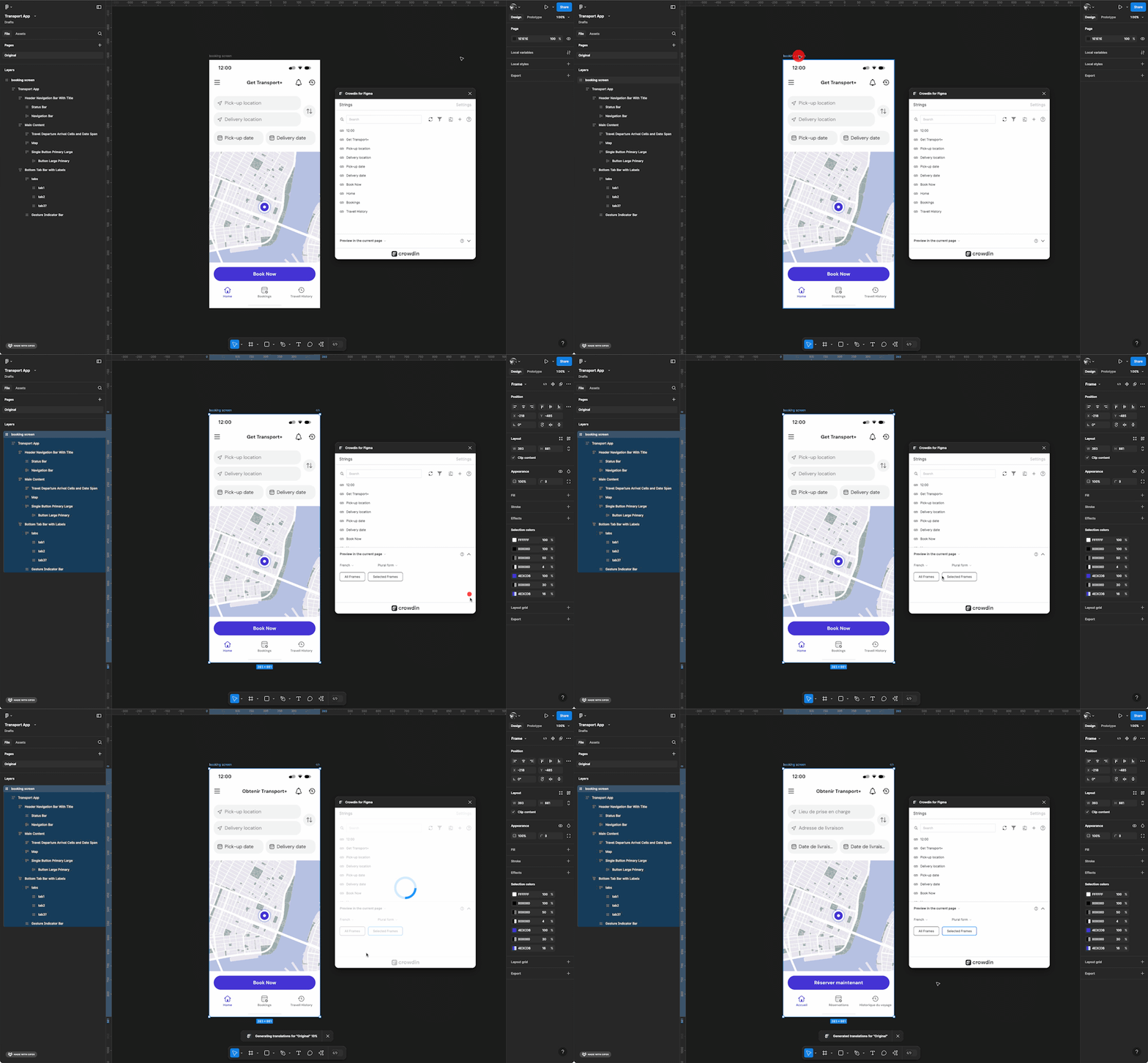
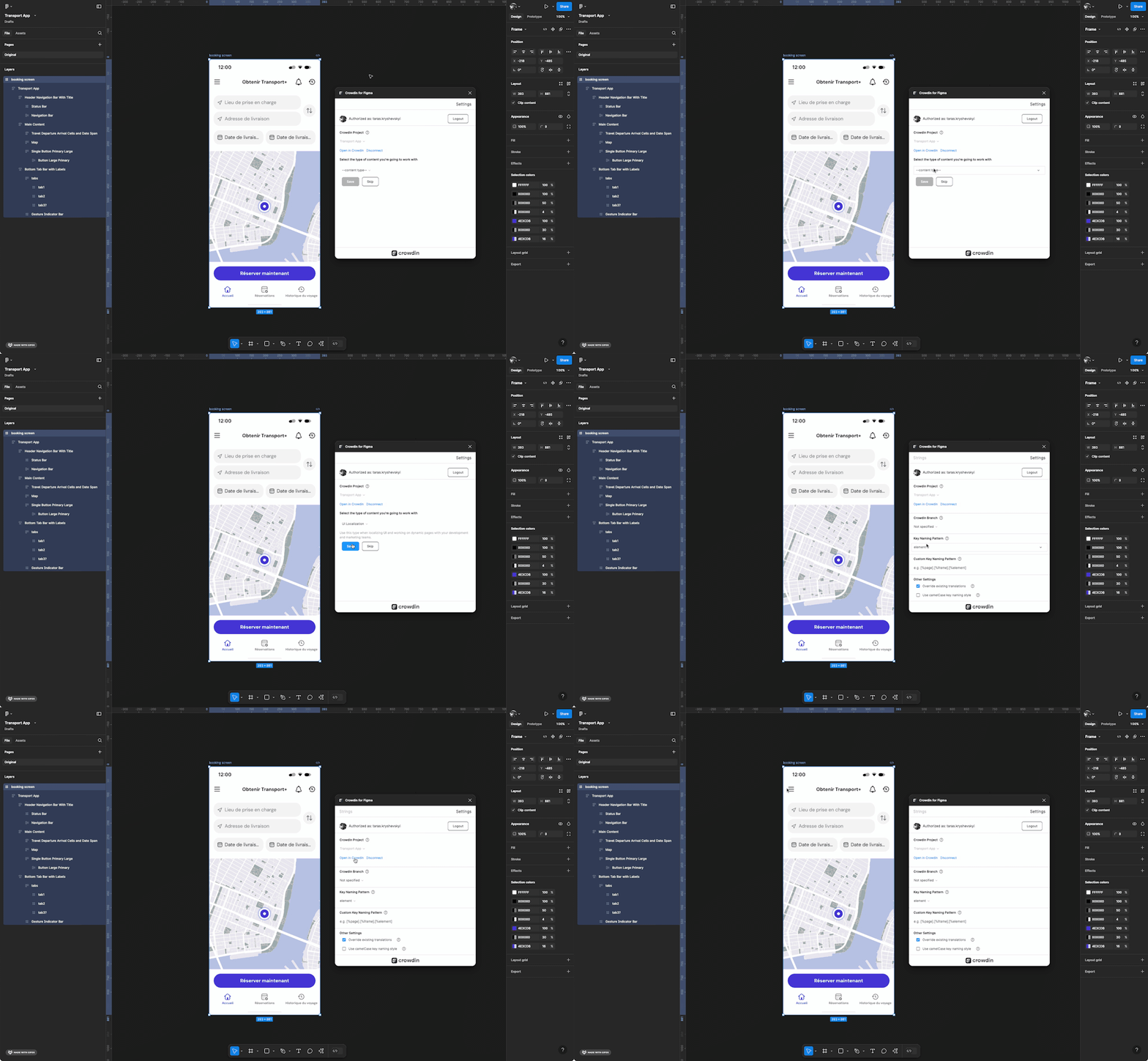
工作原理?
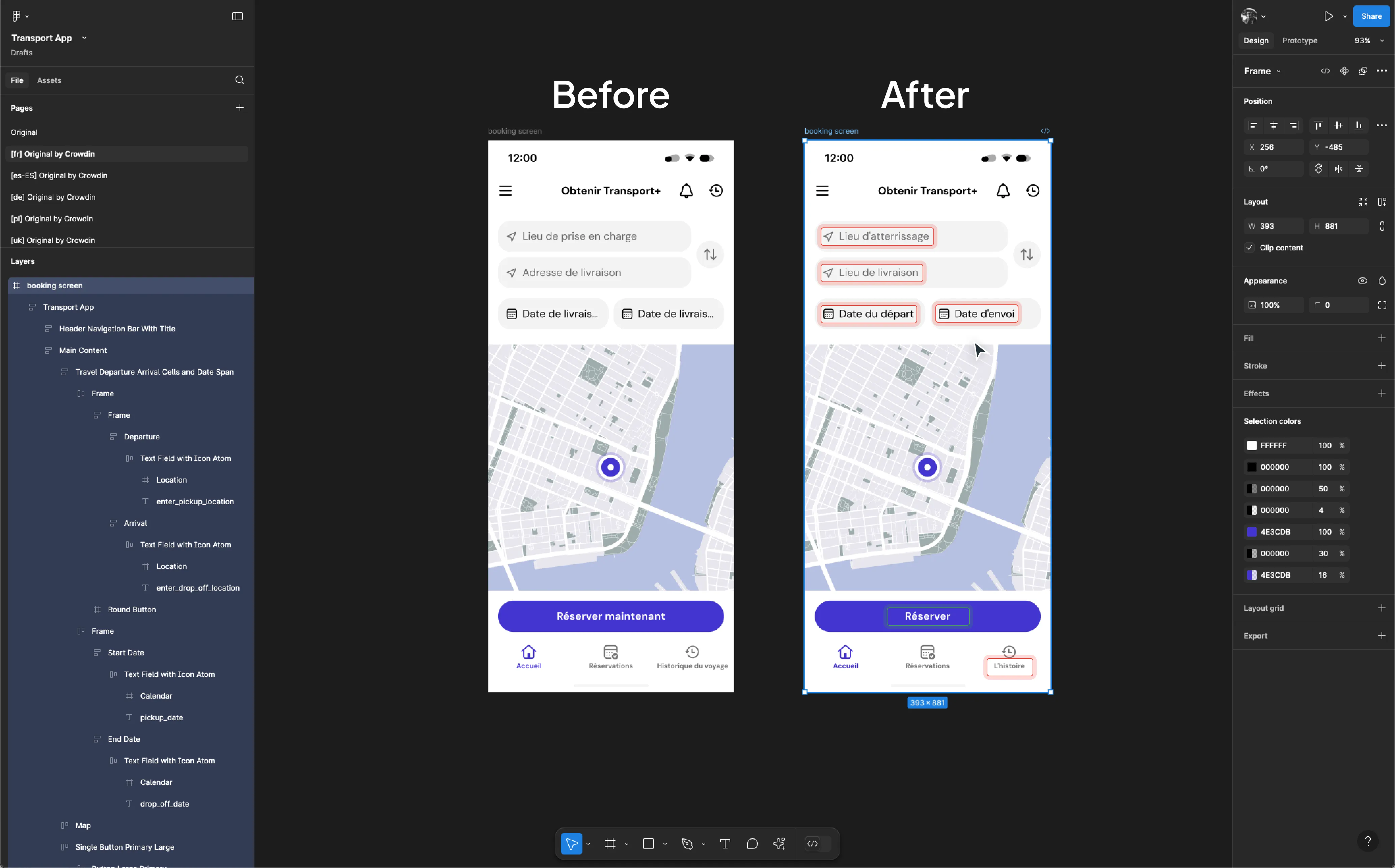
深受全球设计师喜爱
It's the best translation tool for us to localize our user interface with a global community of volunteers. Both volunteers and in-house proofreaders can interact on the same platform, ask questions and exchange opinions about the best possible translation. Crowdin also makes it very easy for new translators to join our project to empower people to fix their stuff and save money while keeping electronics out of landfills.

Sandra Hiller
Head of Translations
I was super impressed by the Crowdin in-context localization feature – I didn't even know that something like this would be possible, when I first started looking for TMS solutions for our company; but once I'd seen it, I knew that it was something that I definitely had to have.

Merit Burenkov
Localization Lead
After evaluating a lot of tools, we finally decided for crowdin because of the amazing in-context translation, which works well in our agile processes.

Felix Bauer
VP of Engineering